


General Settings
The general settings are the sorts of settings that appear on almost every page.
In the Customizer click on General.
The first of these is the Body Copy Font. The body copy is just another way of saying ‘most of the text on the website’ and comes in two flavours ‘serif’ which is Latin for ‘twiddly bits’ and ‘sans serif’ which is Latin of ‘no twiddly bits’.
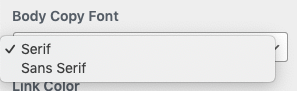
If you select either, the difference should be immediately apparent in the majority of text on the site.
Link Colors
Any link on the website you create yourself in a piece of text, as well as a number of others that are generated for you such as series links will have the same color to show they’re a link. To change that color click here:
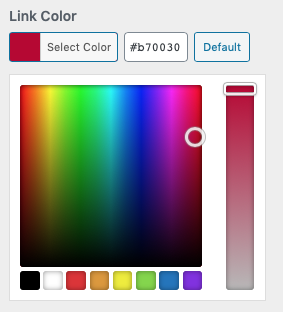
If you’re on the homepage and have added books, scroll down to the, in the preview and you’ll see this change.
Titles & Colors
There are two types of titles and, to keep the design looking great, their font is chosen with the next dropdown:
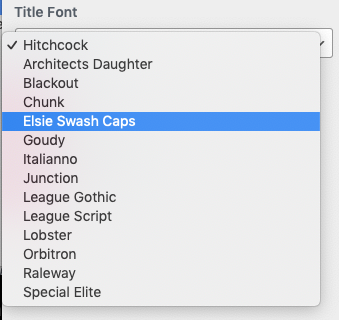
Under this dropdown are the options to choose the Title Color and Subtitle Color. For your reference the Title Color refers to the main titles that appear in the banner (such as the Books page) and the Subtitle Color refers to the other, smaller titles dotted around the site which can also be added when creating and Page or Post (H1, H2, H3, etc.)