First Steps
How to Download Theme Installation Files
There are two ways that you can get the installation zip file of the Chapter One theme. You can download the file from ThemeForest.
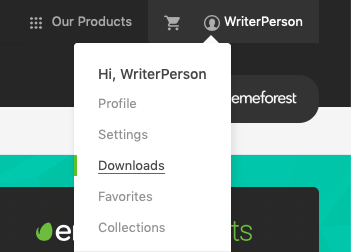
Just go to ThemeForest and click on your account name in the top right corner of the screen. Then click on Downloads
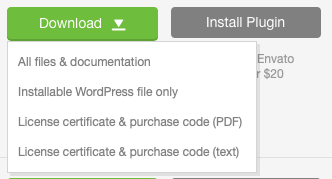
When the page loads there’ll be a list of your purchases. Find Chapter One and click the arrow icon on the Download button. A menu will appear, click on the Installable WordPress File Only to download the zip file you need.